Where Bunny Stream fits
In its own words, Bunny Stream is "A better way to deliver online video". We read its own product and pricing pages and what long-term users report, then judge it on one question: does it help the video make the sale?
What Bunny Stream actually is
Bunny Stream sits inside bunny.net, a content delivery network, as its video arm. It is not a marketing tool and it does not pretend to be one. You upload a file through the dashboard or the API, it transcodes into multiple resolutions, replicates the file across bunny.net's global network, and serves it as adaptive HLS to a built-in player you can restyle or swap out entirely for your own.
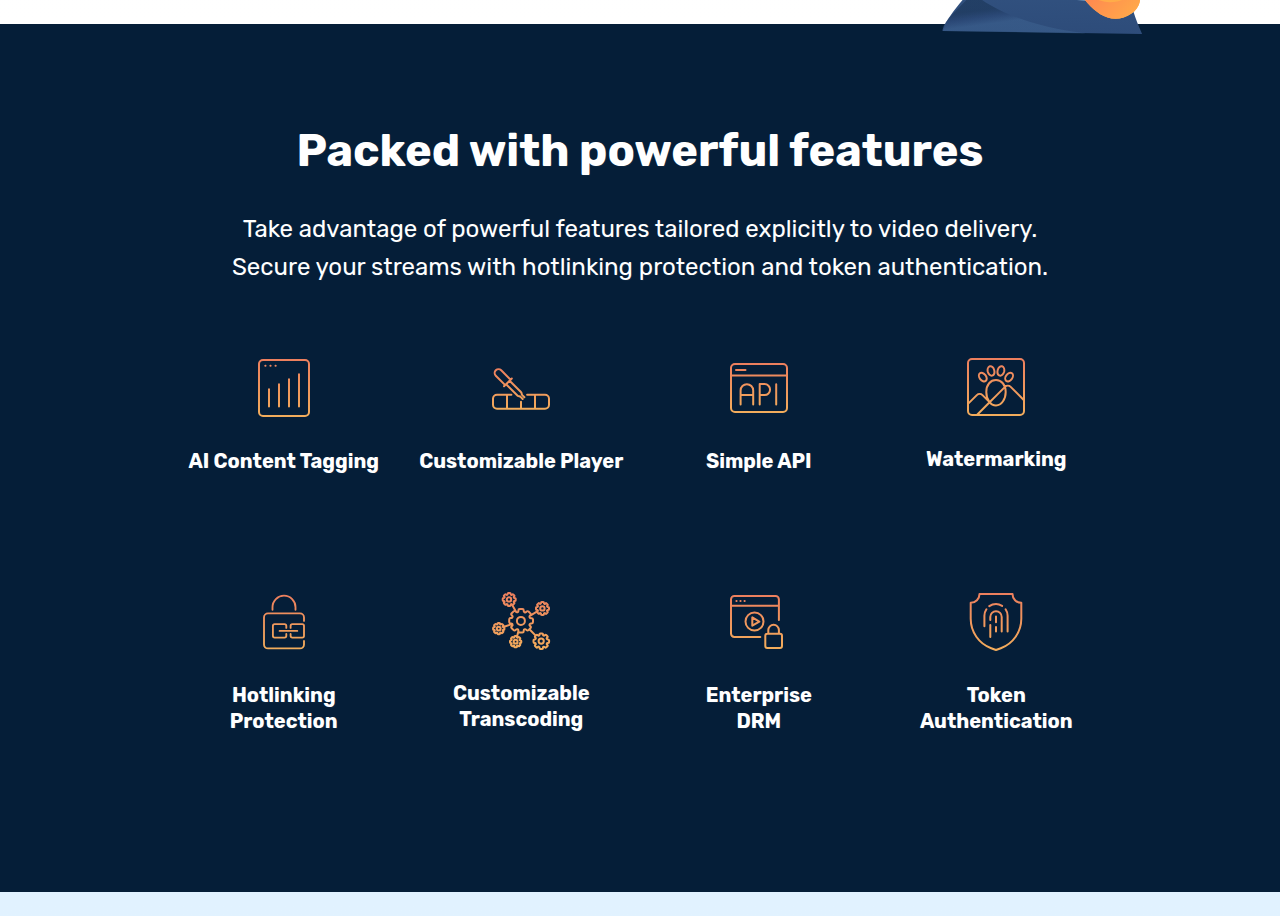
That is the whole product, and for a lot of people it is exactly enough. The company says 1.5 million websites run on bunny.net and that Stream sits on a network of 119 points of presence. Content protection is included where you need it: token authentication and hotlinking protection come with every account, AI content tagging and a resumable (TUS) upload API are built in, and an enterprise Multi-DRM layer, branded Media Cage, is a paid add-on for teams that need it.
The price is the headline
Bunny Stream bills on usage, not on a seat or a plan. Encoding is free, the player is free, and every standard security feature is included. You pay from $0.01 per GB stored and from $0.005 per GB delivered, on a $1-per-month minimum. It runs no permanent free tier, but the 14-day trial needs no card and the vendor says setup takes about two minutes.
For a course library or a set of embedded videos, that maths out low. One Reddit user hosting 150 course videos on WordPress put their bill under $10 a month after leaving a plan-based host that had raised its price. Another said they chose Bunny over Cloudflare Stream precisely for the pay-as-you-go model and the player customization, noting Cloudflare charges a flat monthly rate no matter your usage while Bunny starts at a $1 minimum. The one detail to read closely is the delivery tier. The cheaper Volume network uses fewer points of presence than the Standard network, so the rock-bottom rate can cost you latency in some regions. Test both before you commit a launch to it.
The gap for a selling video
This is where a buyer from the video-sales world needs to be clear-eyed. Bunny Stream delivers video. It does not help the video sell. It has no retention curve split by buyers and non-buyers, no sound-first autoplay built for a cold VSL, no timed call-to-action cards, and nothing that ties a play to a cart-verified sale or fires a conversion back to Meta, TikTok or GA4. Put a VSL on it and you get a fast, cheap embed and a blank slate for everything that actually moves the number.
For some people that blank slate is the point. A developer building a funnel who wants the lowest possible bandwidth cost and is happy to wire up their own tracking gets a clean, well-documented API and a tool that stays out of the way. For a marketer who wants the platform to show why the video converts, it is the wrong shape, and a conversion-focused player earns its higher price.
How it compares
Against the other general hosts, Bunny Stream is the budget, developer-first option. It undercuts Vimeo on delivery cost and gives you more control, at the cost of polish: long-term users describe the API and product as still maturing next to Vimeo or Wistia, with one calling it a good tool that "still feels like a not so mature product." Its closest rivals sit outside this site's list, in Cloudflare Stream and Mux, and the split there is familiar. Cloudflare bills a flat rate per minute stored and delivered; Mux is the pick when video itself is the product; Bunny's pay-as-you-go tends to come in cheaper for typical course and CDN traffic, which is the reason people keep choosing it.
Against the sales-focused players on this site, Vidalytics, Panda Video and TrackPlay, it is not really the same product. Those tools cost more because they carry the conversion analytics, the marketer-focused autoplay and, in the newest of them, server-side sale attribution. Bunny carries none of that. If the video's only job is to be delivered cheaply and reliably, that is a real saving. If its job is to sell, the saving is a false economy: you will rebuild the selling layer by hand, or add a second tool and lose the price advantage.
Who should skip it
Skip Bunny Stream if you are not comfortable in an API, or if you want a tool that does the selling for you. Skip it if you need guaranteed enterprise uptime with no fallback, or instant processing during a traffic spike. There were a couple of Stream incidents in September 2026 and reports of slow processing under load, so time-sensitive uploads need buffer time. And whatever you host on it, keep your own master files. One long-running thread on r/webdev accused bunny.net of silently losing production files over months, and the safe habit with any host is to never make it your only copy.
For its actual job, cheap and developer-controlled video delivery, it is real and it holds up. Buy it for what it is, not for what a sales page needs it to be.